

Product Overview
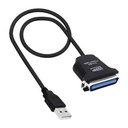
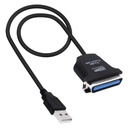
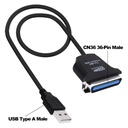
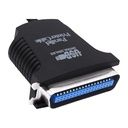
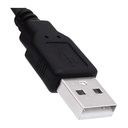
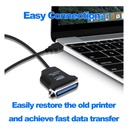
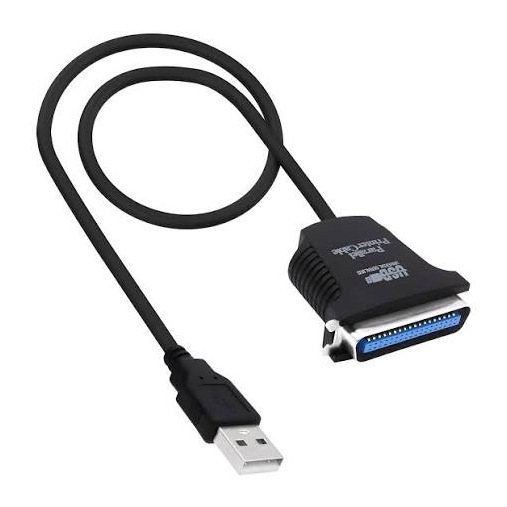
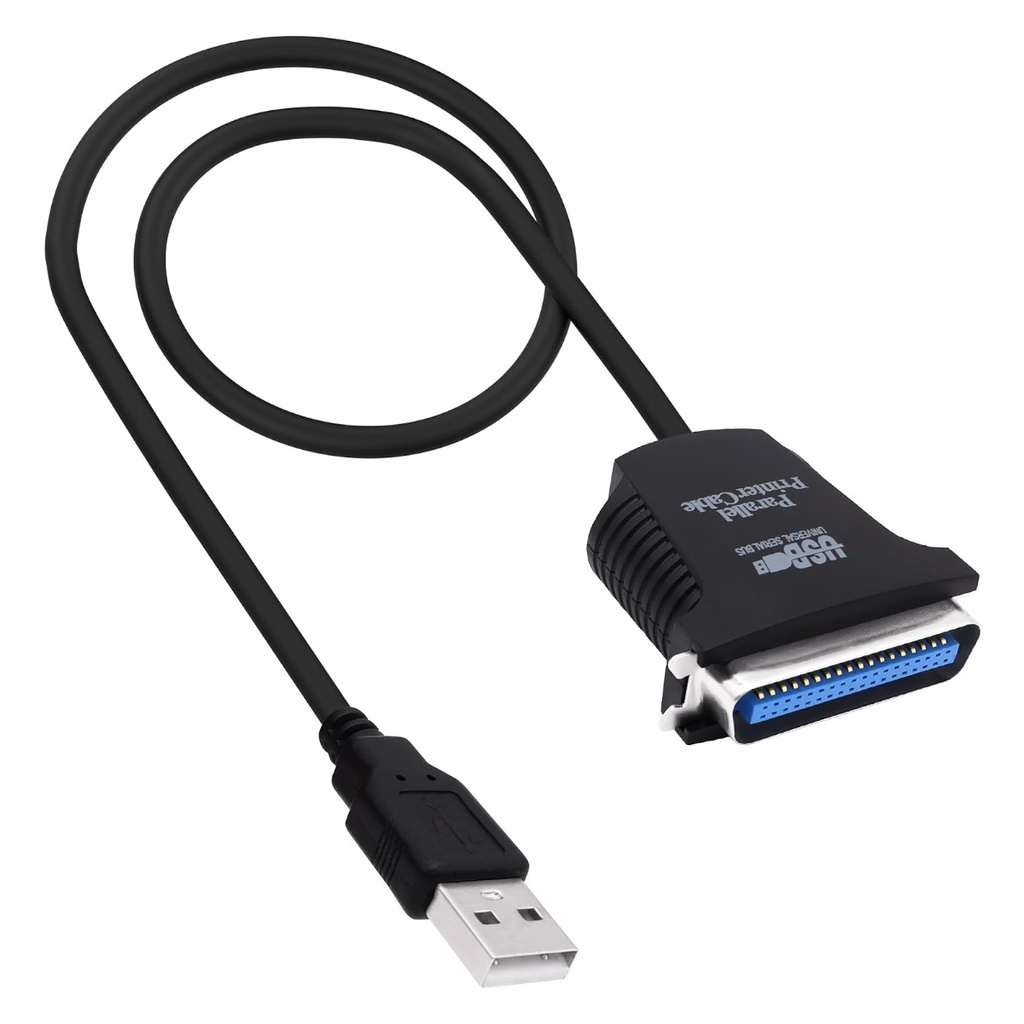
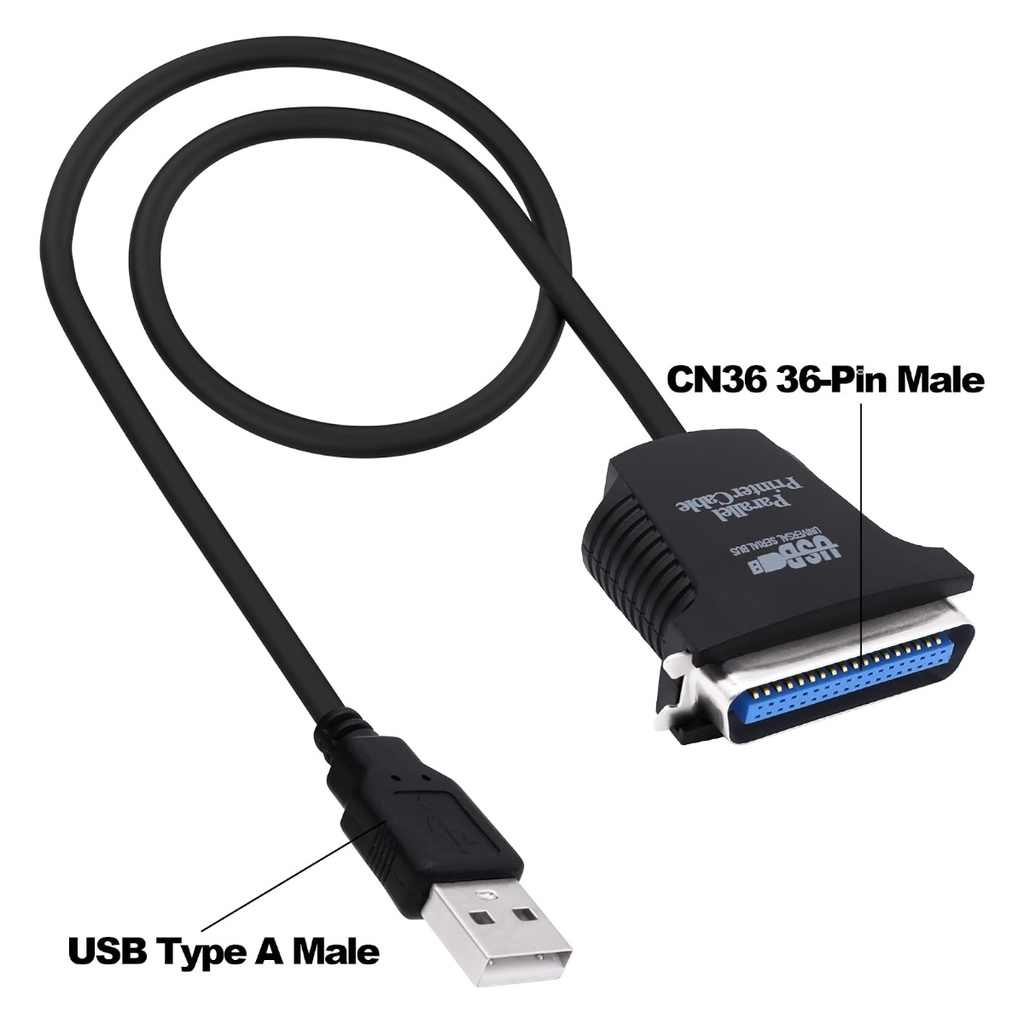
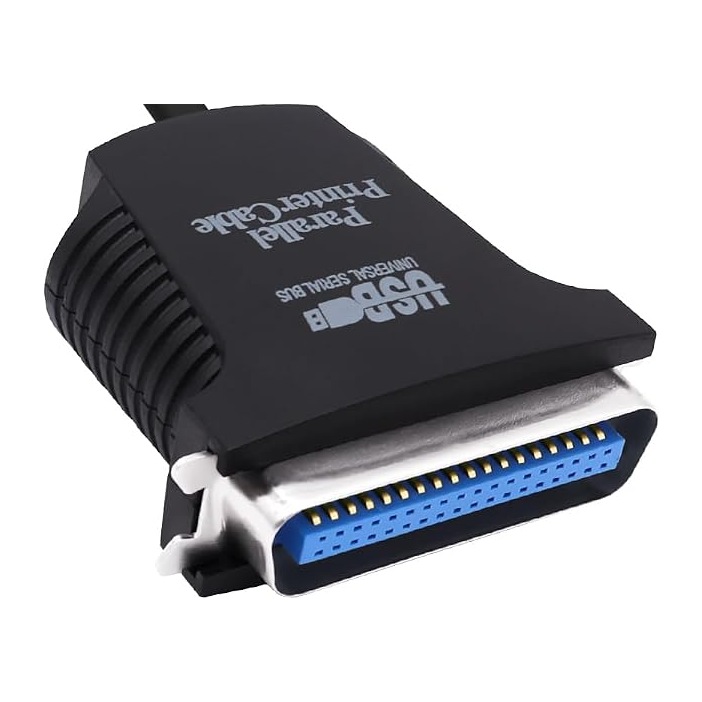
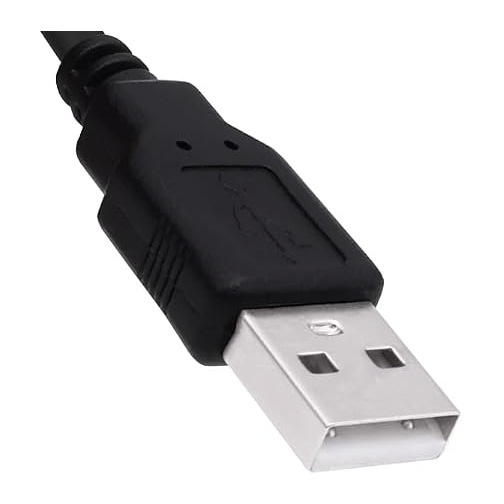
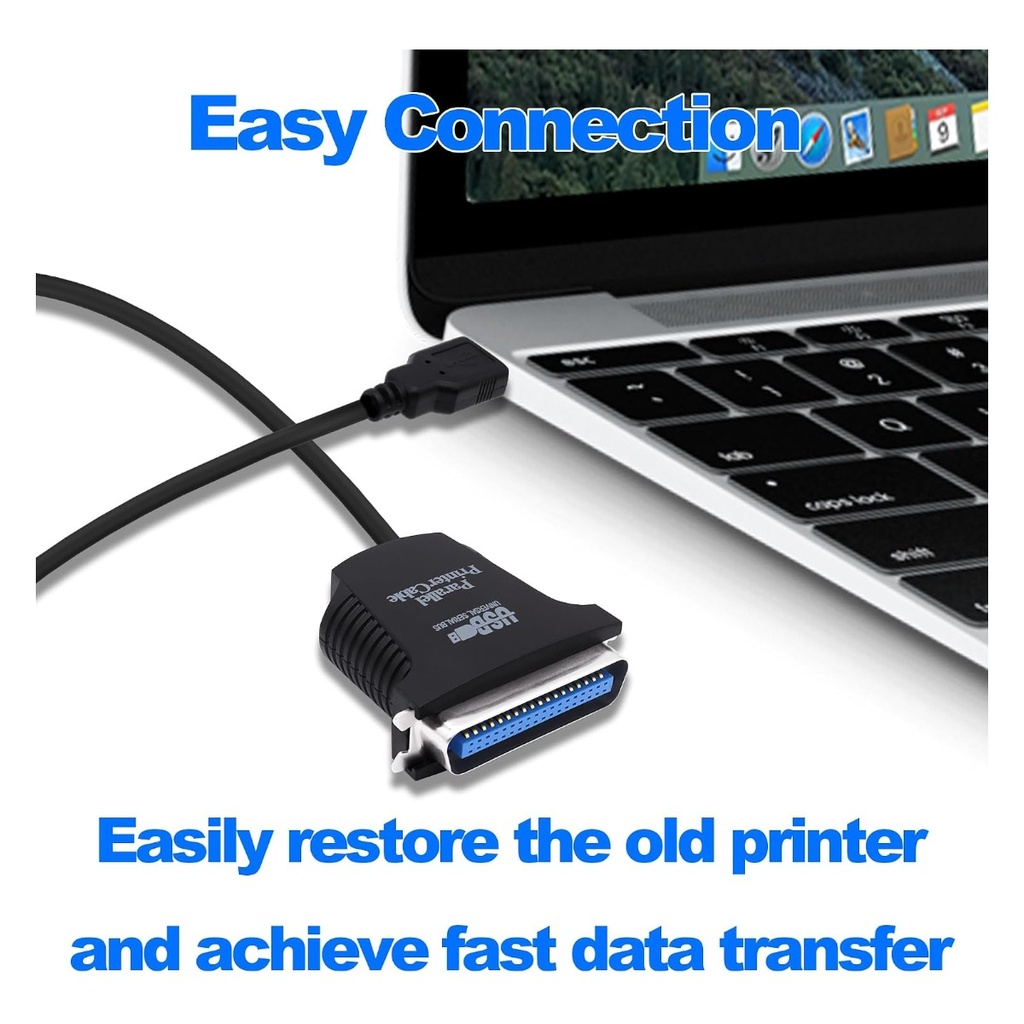
Parallel printers outlive the computers they were bought with. A dot-matrix invoice printer or an old laser can still be perfectly serviceable long after the last PC with a 25-pin LPT socket has left the office, and this cable is what bridges the gap: a USB Type-A plug at the computer end, the wide 36-pin Centronics plug at the printer end, and a converter chip in the moulded housing between them.
There is nothing to install. Windows recognises it through its own USB printing-support driver, creates a virtual printer port, and from there you add the printer the usual way. It draws its power from the USB port, so there is no adapter to find, and the two spring clips on the Centronics end latch into the printer so the plug does not work loose.
Before ordering - please read: this cable is a printer adapter, not a real LPT port. Windows sees it as a USB printing device and creates a virtual port such as USB001; it does not give you an LPT1 hardware port. That means it works with printers, but it will not work with parallel-port software dongles, parallel scanners, EPROM programmers, CNC or machine-control cards, or old DOS programs that write straight to the LPT1 address. Check too that your printer has the wide 36-pin Centronics socket - if the printer instead has a 25-pin D-sub socket you need a different cable, and we stock that one as well.
Technical Specifications
| Type | Active USB to parallel printer converter cable |
| Computer end | USB 2.0 Type-A, male |
| Printer end | IEEE 1284 Centronics 36-pin (CN36), male, with spring clips |
| Power | Bus powered from the USB port |
| Drivers | Not required on Windows, plug and play |
| Works with | Parallel printers: dot-matrix, laser, label and receipt printers |
| Does not work with | Parallel dongles, scanners, programmers, LPT control cards, direct LPT1 port access |
| Shielding | Shielded cable, copper conductors |
| Colour | Black |