Product Overview
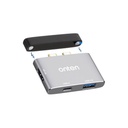
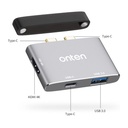
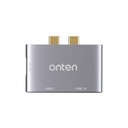
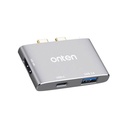
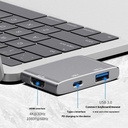
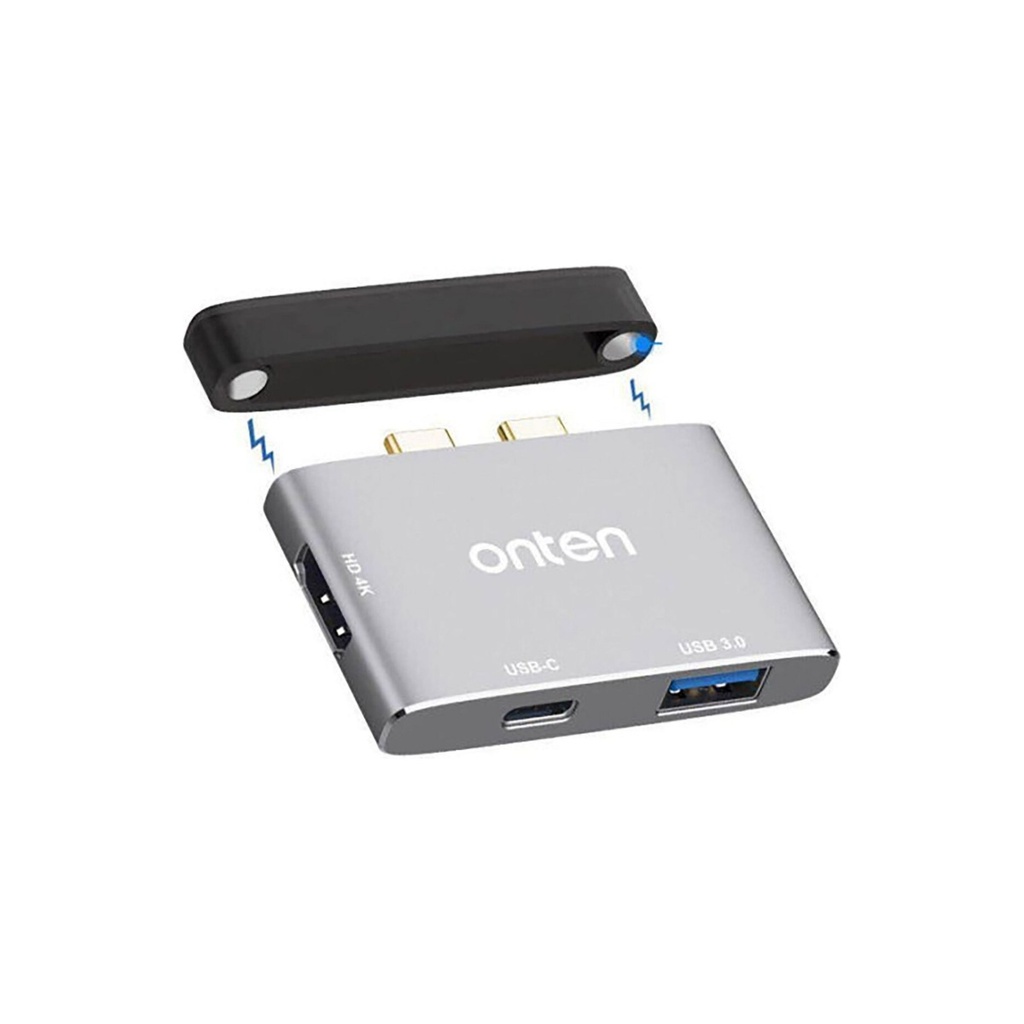
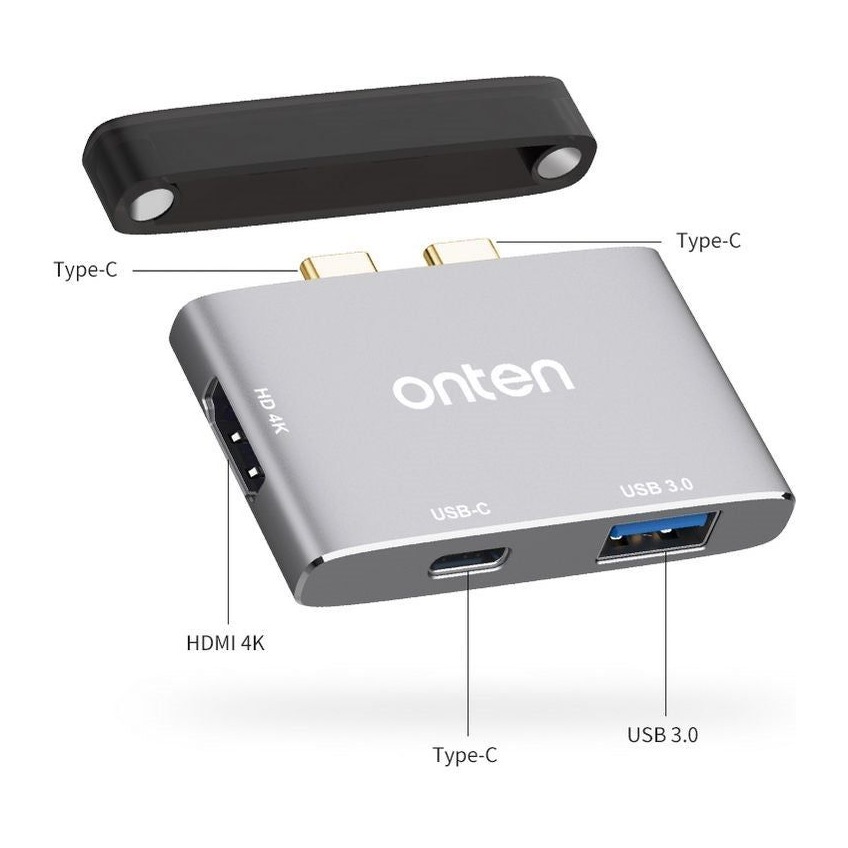
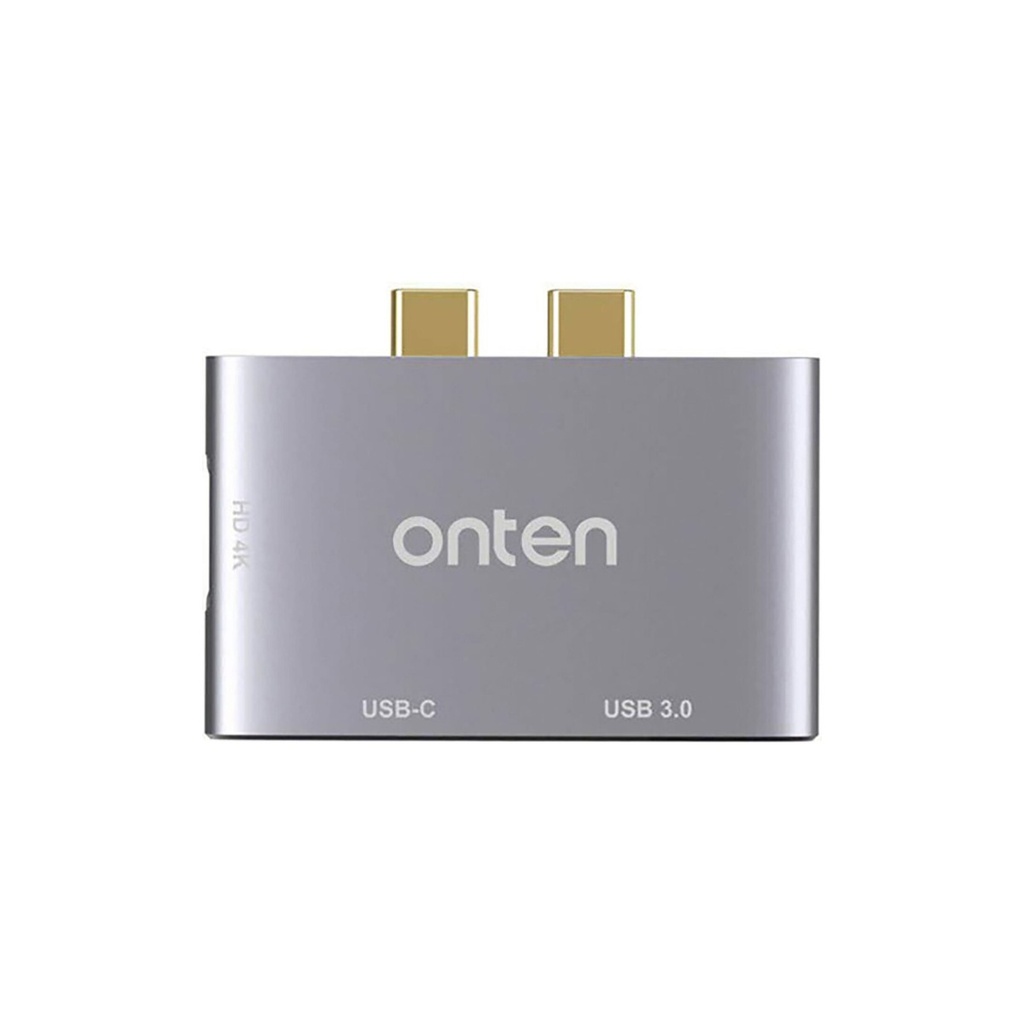
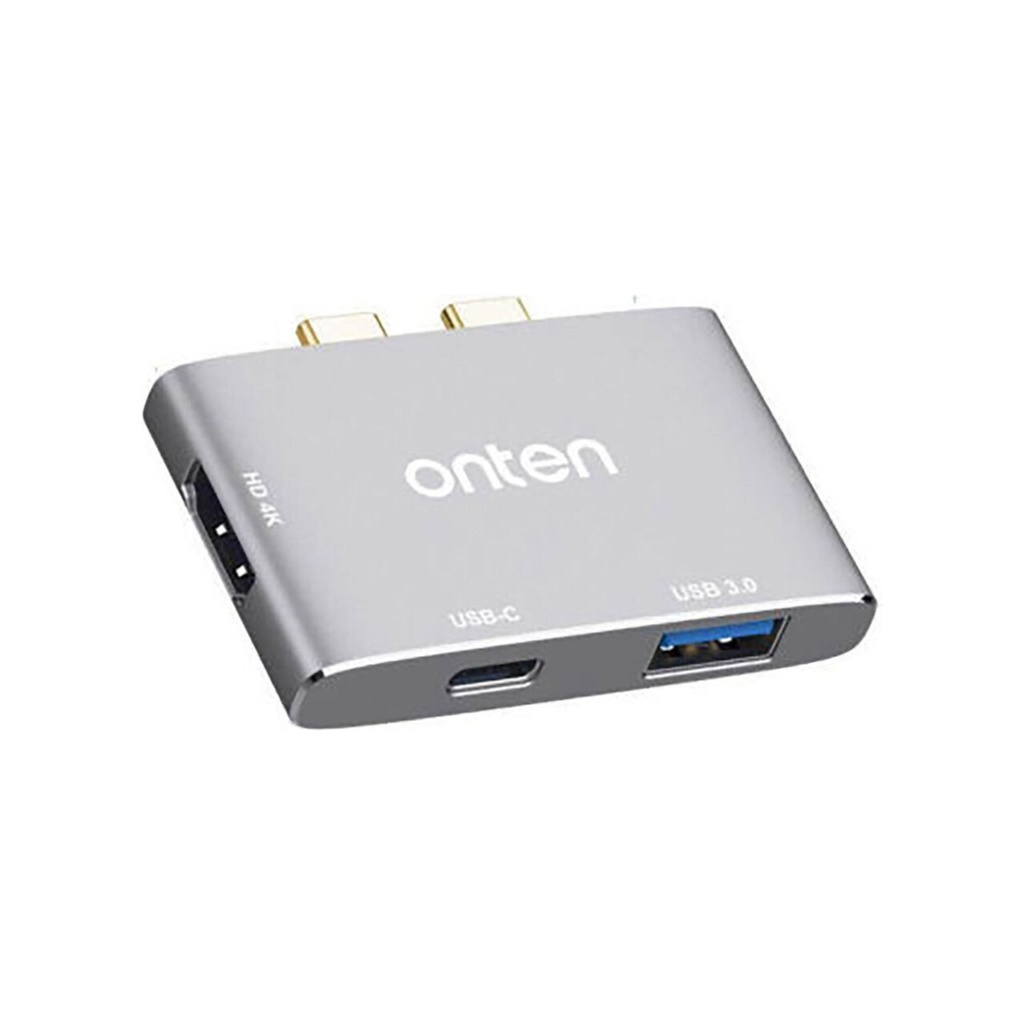
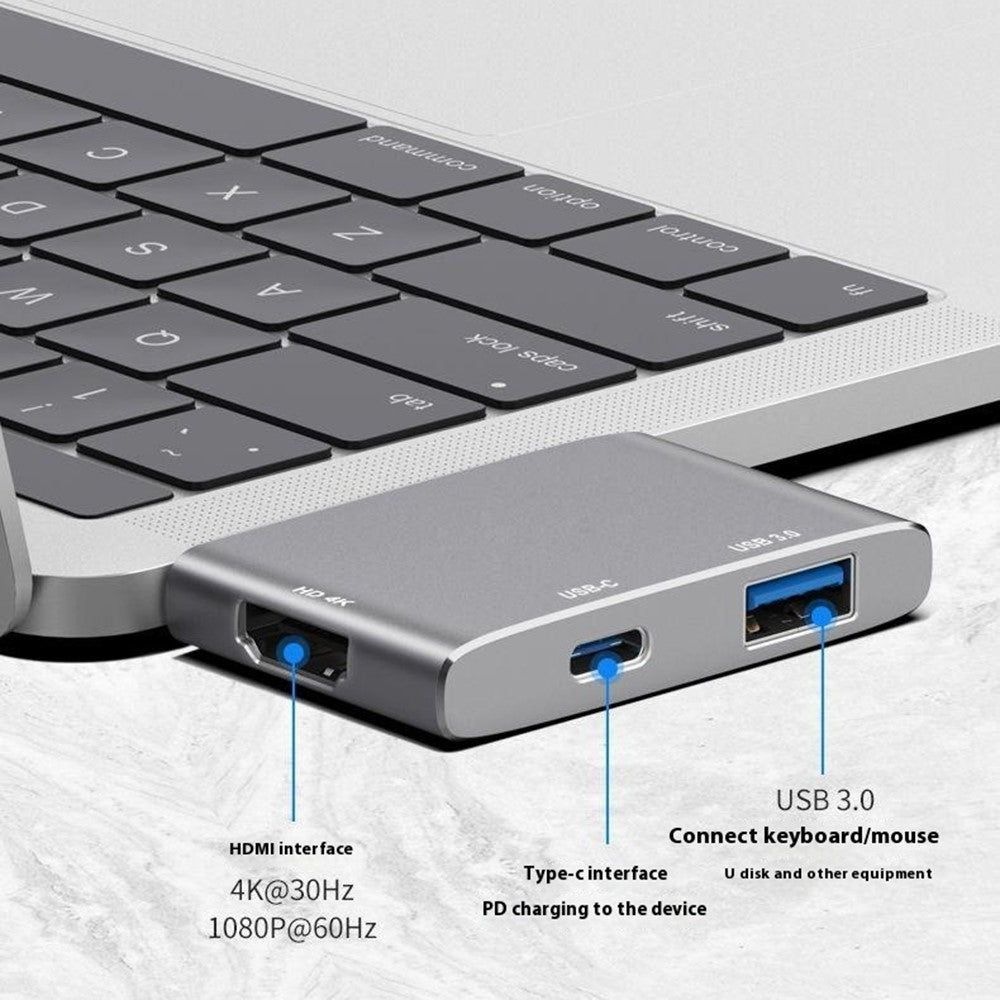
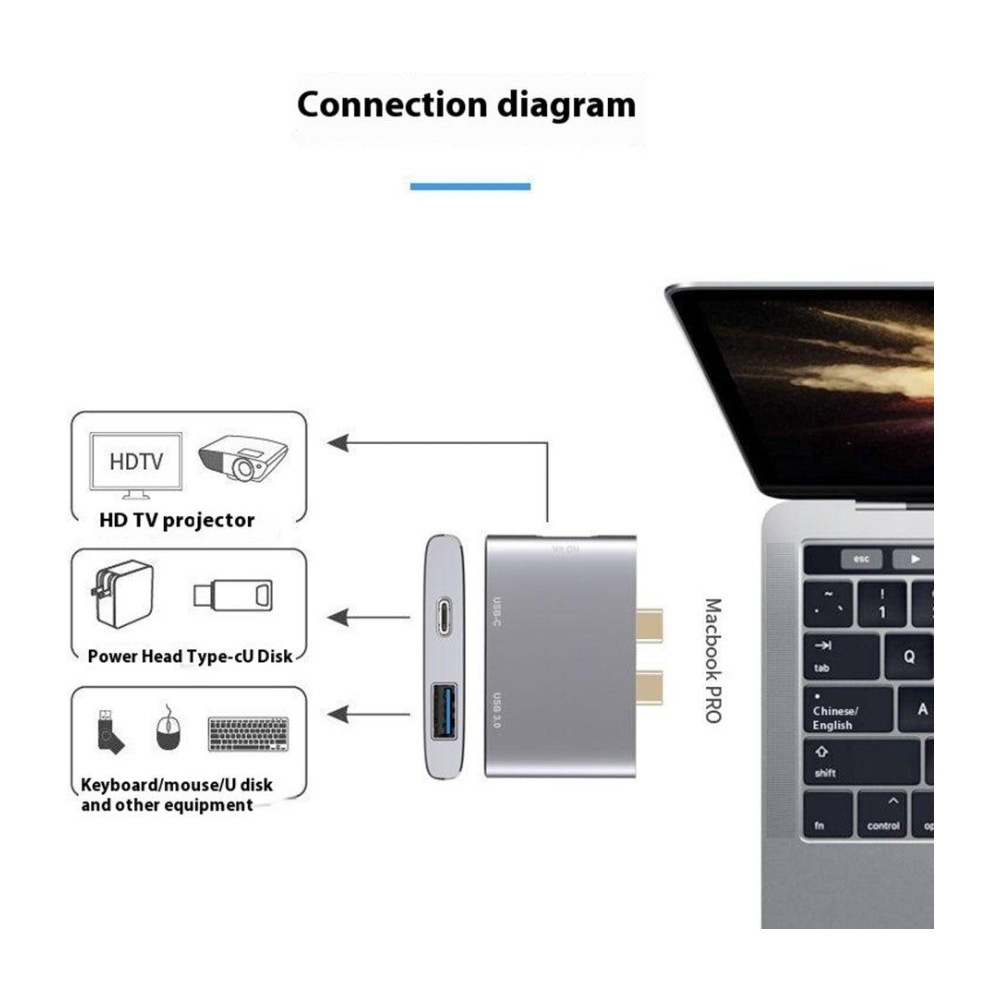
The Onten 9177S turns the two USB-C ports on the side of a MacBook into a display output, a full-size USB port and a charging port, without adding a cable between the laptop and the dock. The two gold-plated USB-C plugs sit side by side at MacBook spacing, so the aluminium housing sits flush against the edge of the laptop and the whole dock travels in a pocket.
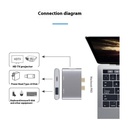
Connect an HDMI monitor, TV or projector to mirror or extend the desktop at up to 4K @ 30Hz, or at 1080p @ 60Hz for smoother motion. The USB 3.0 Type-A port handles a keyboard, mouse or flash drive at 5Gb/s, while the USB-C port carries Power Delivery charging through to the laptop so the ports taken up by the dock are not lost. A magnetic cap clips over the two plugs to protect them in a bag. No drivers or software are needed.
Before ordering: the two USB-C plugs are fixed and cannot be separated, so the adapter only fits a laptop that has two USB-C ports next to each other on the same side, such as a MacBook Pro or MacBook Air. The host port must support DisplayPort Alt Mode for video output; a USB-C port that is data or charging only will not drive the HDMI display. 4K is supported at 30Hz, not 60Hz.
Technical Specifications
| Model | ONTEN OTN-9177S |
| Type | Dual USB-C multiport adapter / mini dock |
| Input | 2 x USB-C male plugs, fixed, side by side |
| Video output | HDMI, up to 4K @ 30Hz or 1080p @ 60Hz |
| Data port | 1 x USB 3.0 Type-A, 5Gb/s |
| Charging port | 1 x USB-C, Power Delivery pass-through |
| Requirement | Host USB-C port with DisplayPort Alt Mode |
| Housing | Precision-milled aluminium |
| Colour | Space grey |
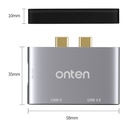
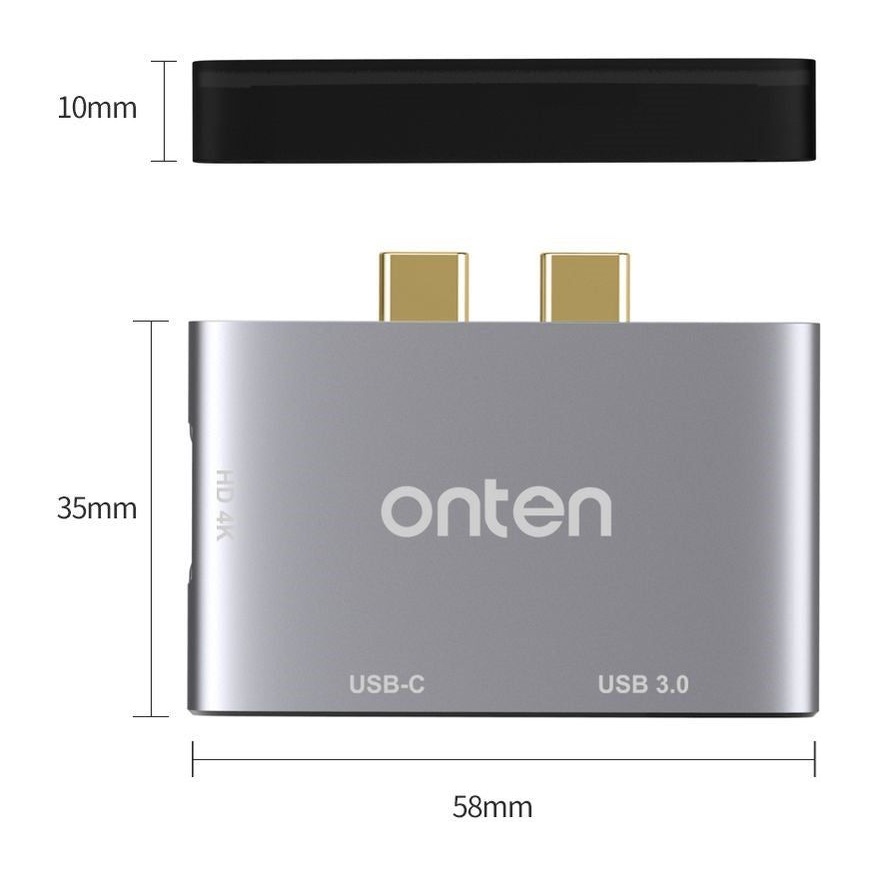
| Dimensions | 58 x 35 mm, protective cap 10 mm thick |
| Installation | Plug and play, no drivers required |
| In the box | Adapter, magnetic protective cap |