Product Overview
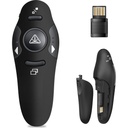
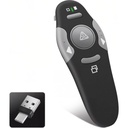
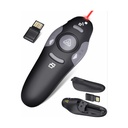
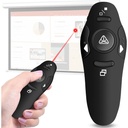
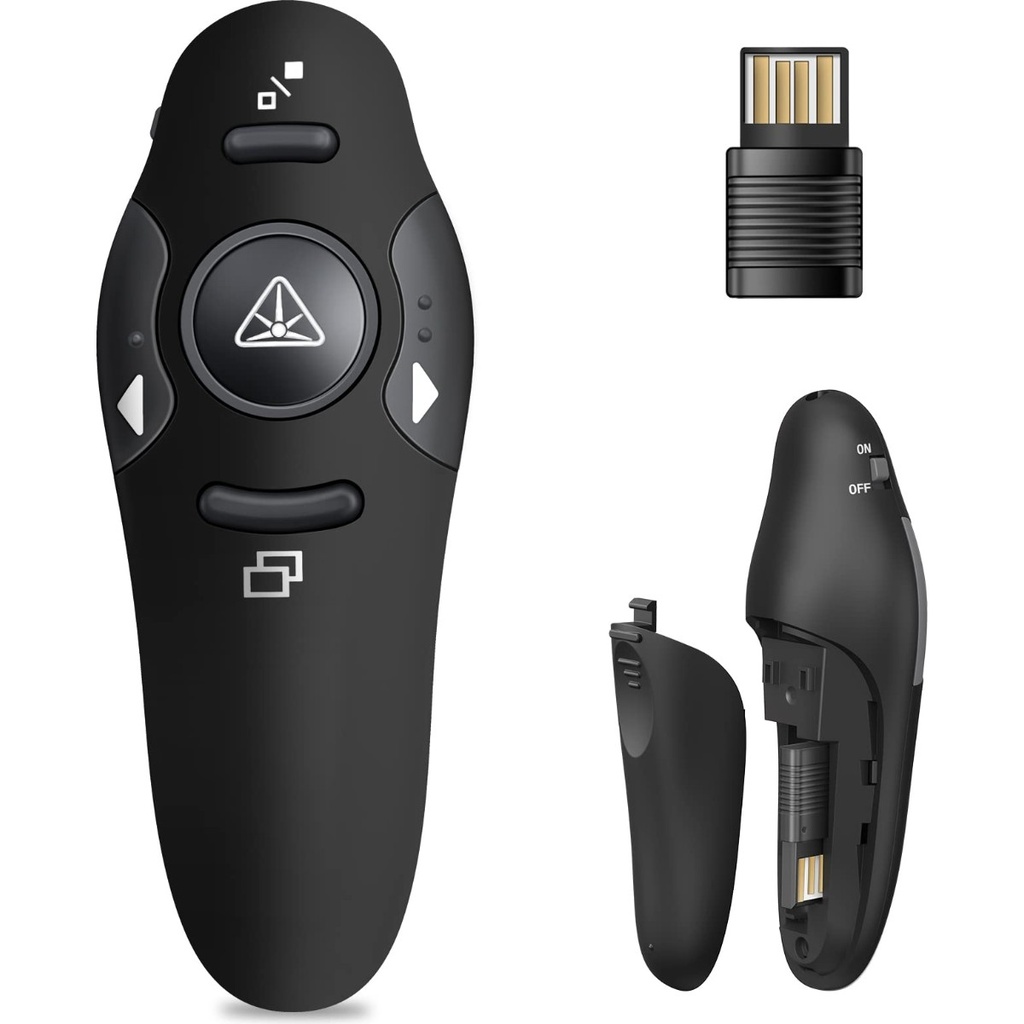
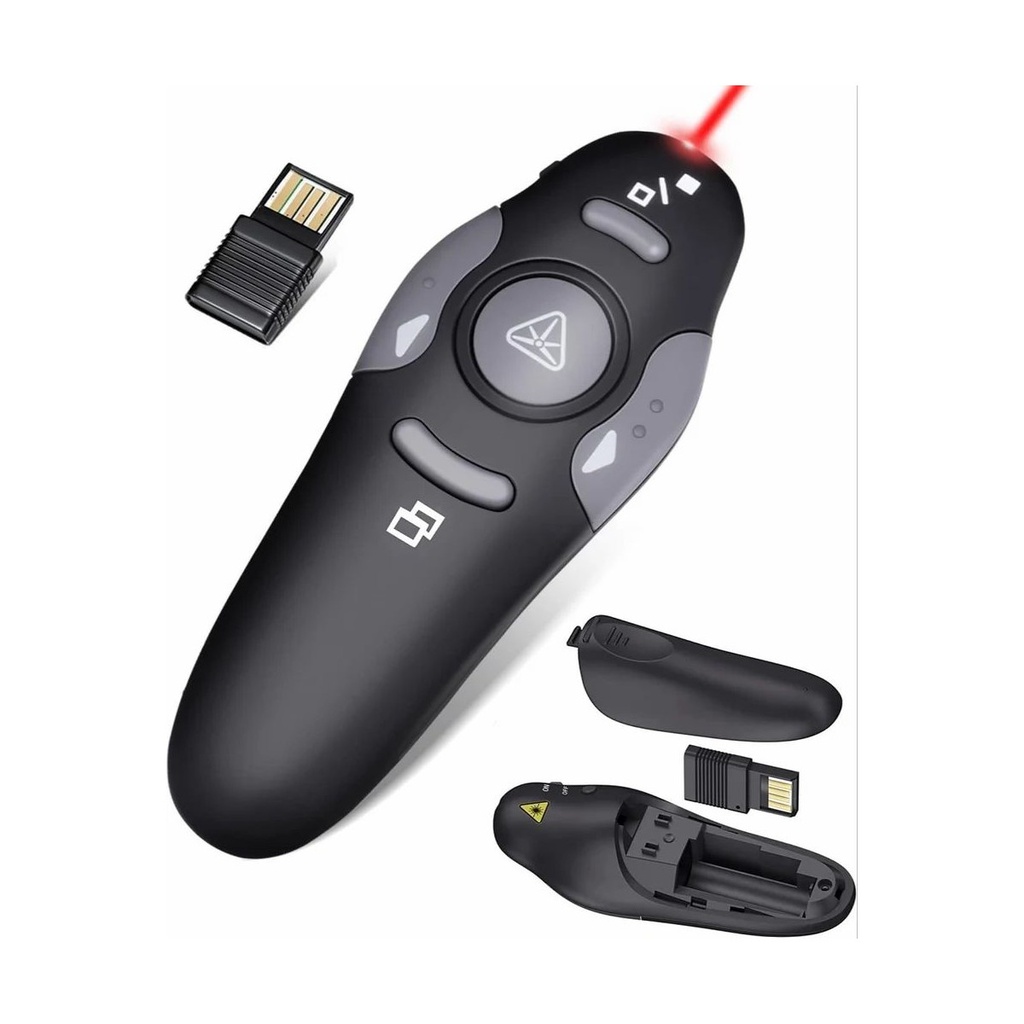
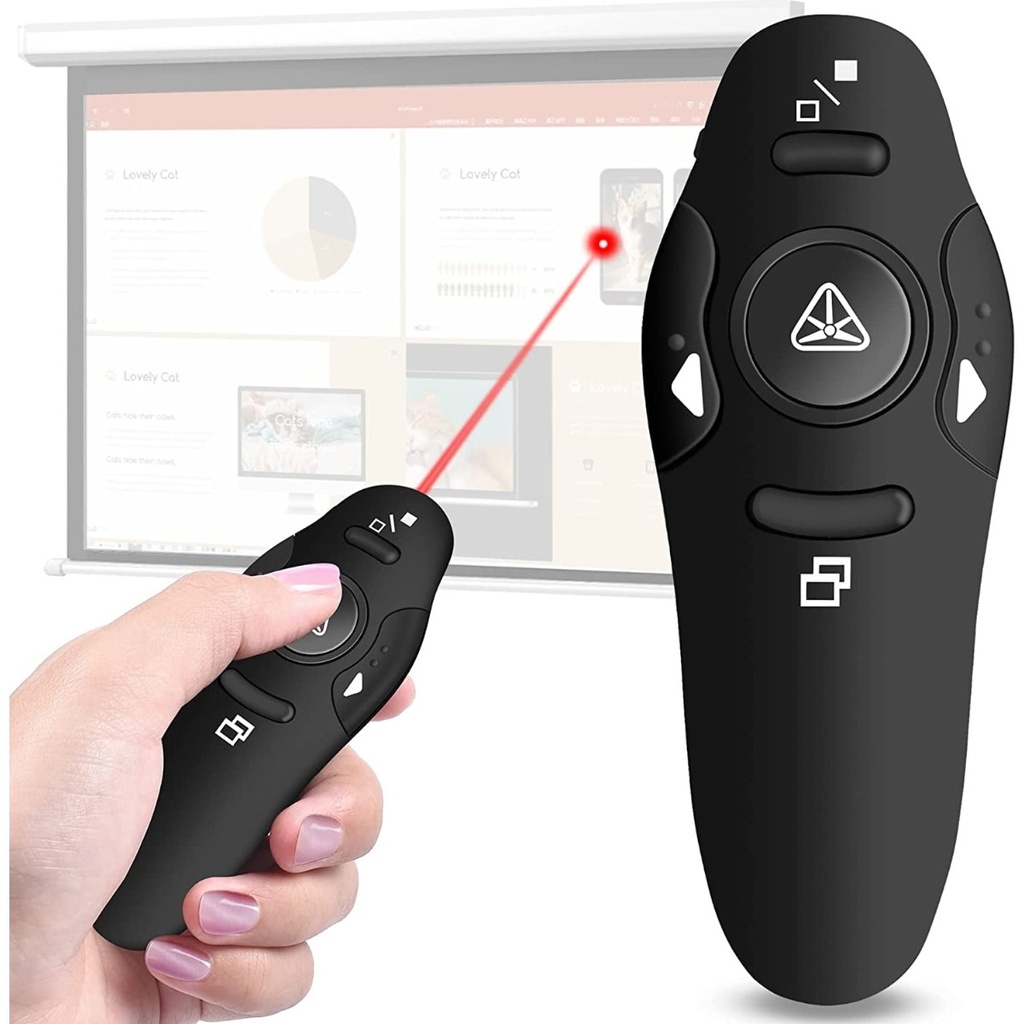
This is the presenter most lecture halls and meeting rooms end up with: a small teardrop body that sits in the palm, four buttons you can find without looking, and a red laser in the middle. The nano receiver goes into a USB port on the laptop and the pairing is already done at the factory, so there is nothing to install and nothing to configure — plug it in, open the deck and start.
The two arrow buttons move the slides forward and back. The button above blanks the screen when you want the room looking at you instead of the projector, and the one below takes the presentation in and out of full screen. Press the centre and the laser comes on. When you are done, the receiver pulls out of the laptop and clips into the battery compartment inside the body, so it does not end up loose in a bag.
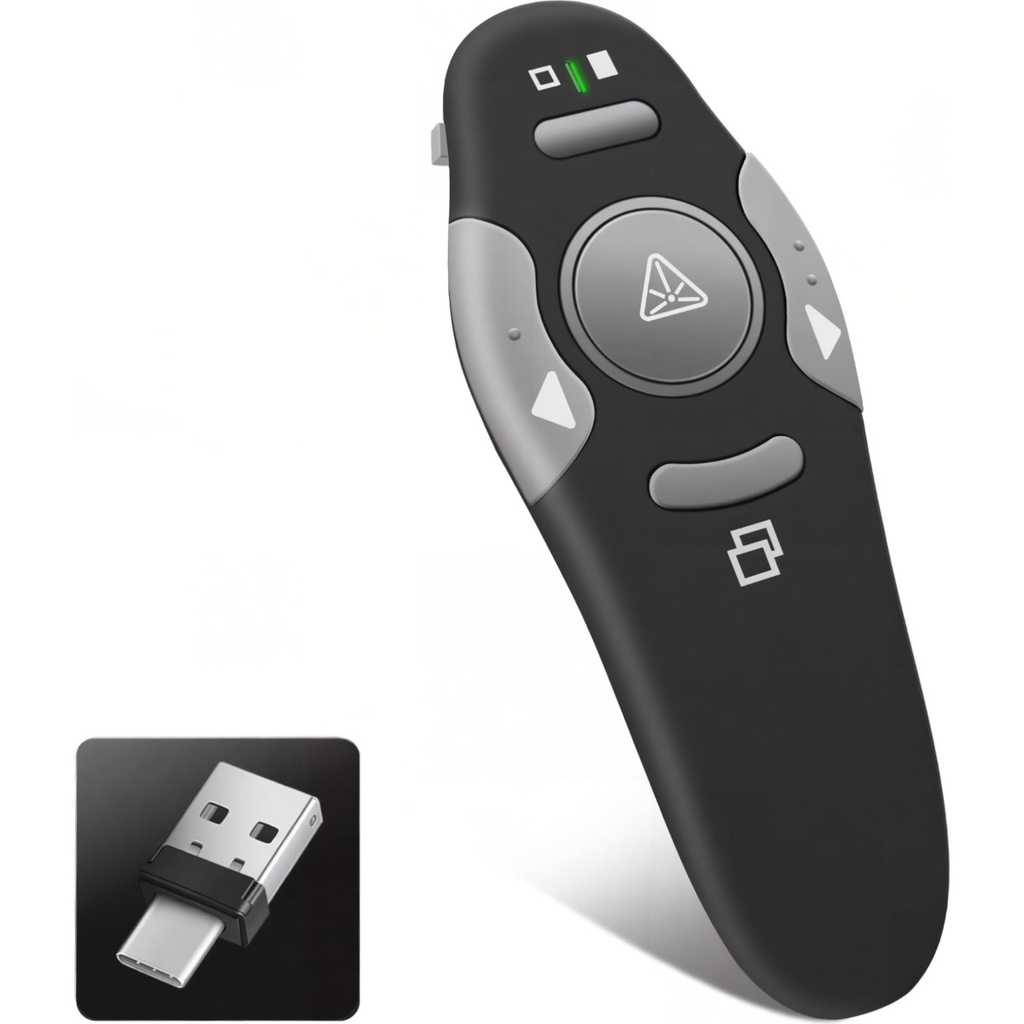
Before ordering: the receiver is a standard USB-A plug, so a laptop with only USB-C ports will need an adapter. As with any laser pointer, never aim the beam at anyone's eyes or at a reflective surface, and keep it away from children.
Technical Specifications
| Model | H-605 |
| Type | Wireless presentation remote (PPT clicker) |
| Wireless | 2.4 GHz RF |
| Receiver | Nano USB-A receiver, stored inside the body |
| Pointer | Red laser |
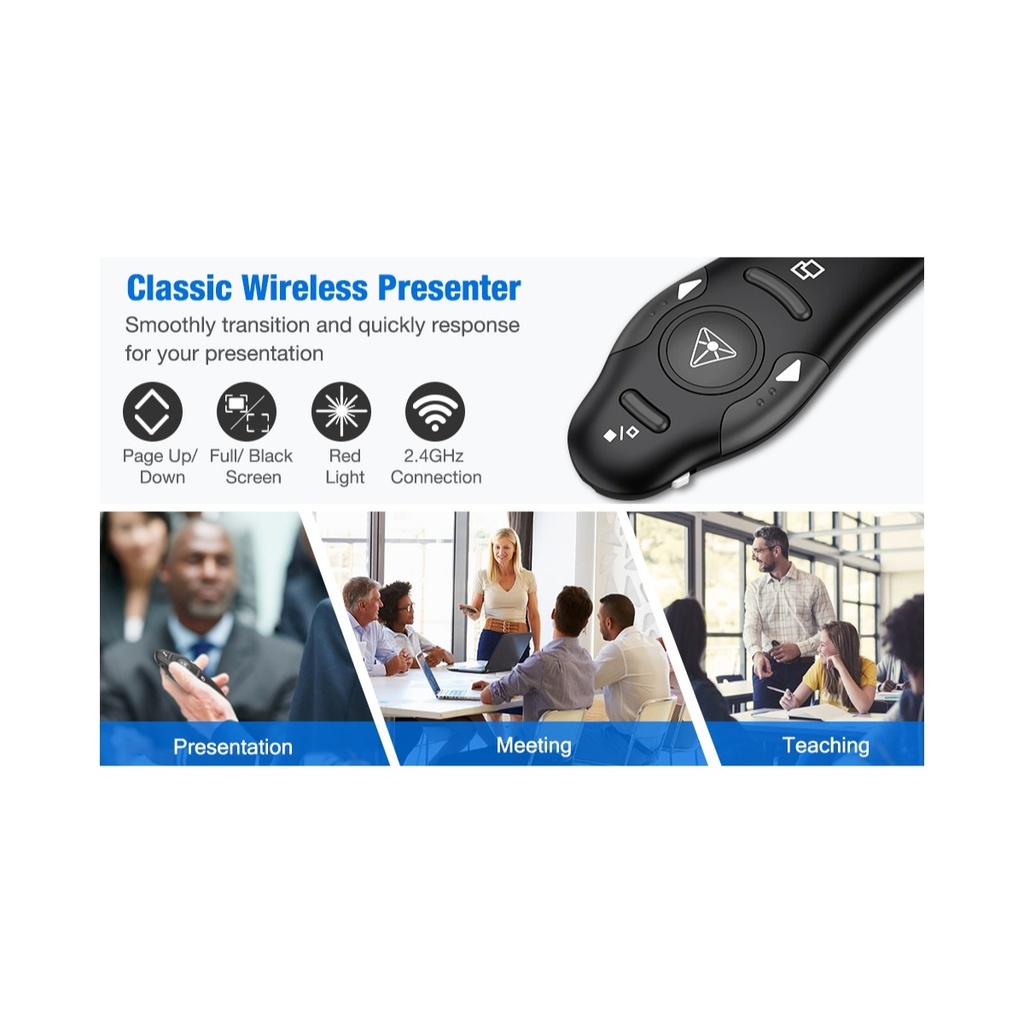
| Controls | Page up, page down, full screen, black screen, laser |
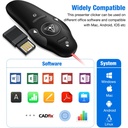
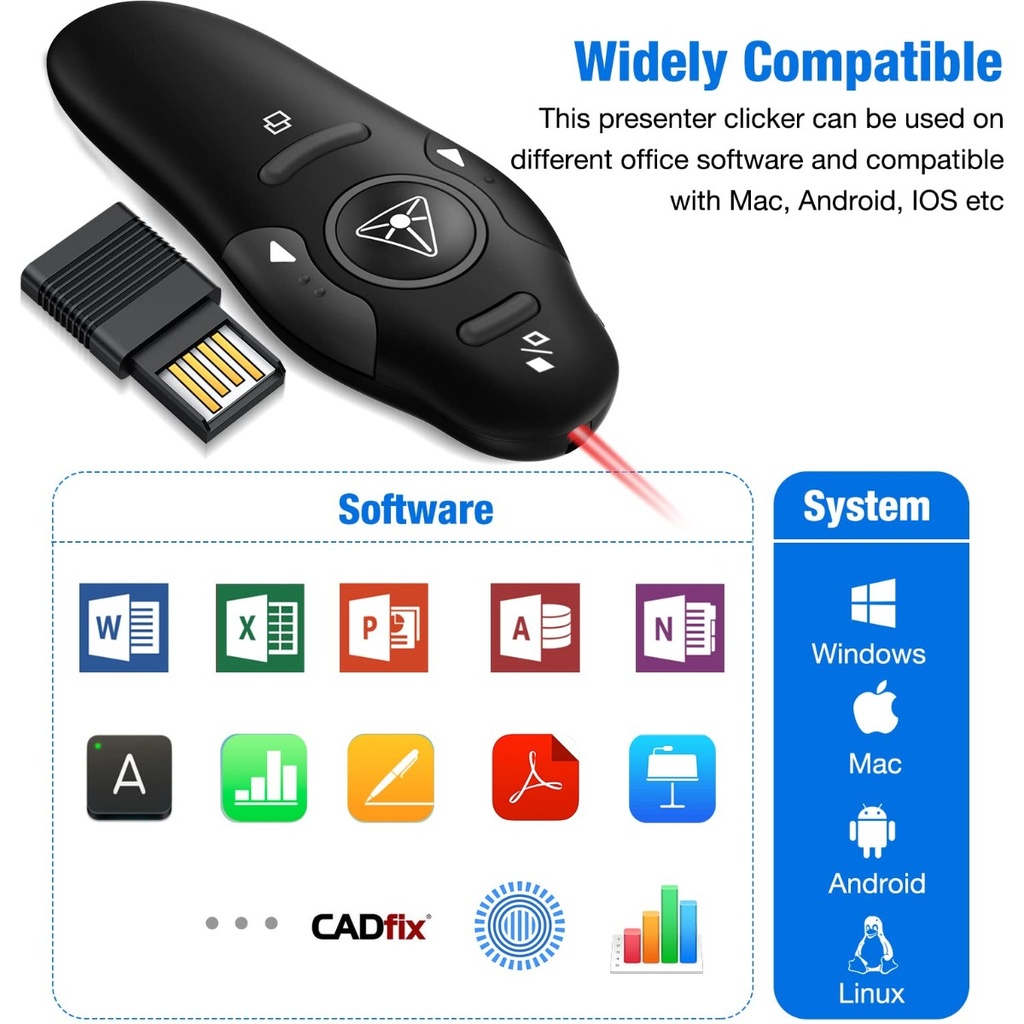
| Operating systems | Windows and macOS, plug and play |
| Colour | Black |