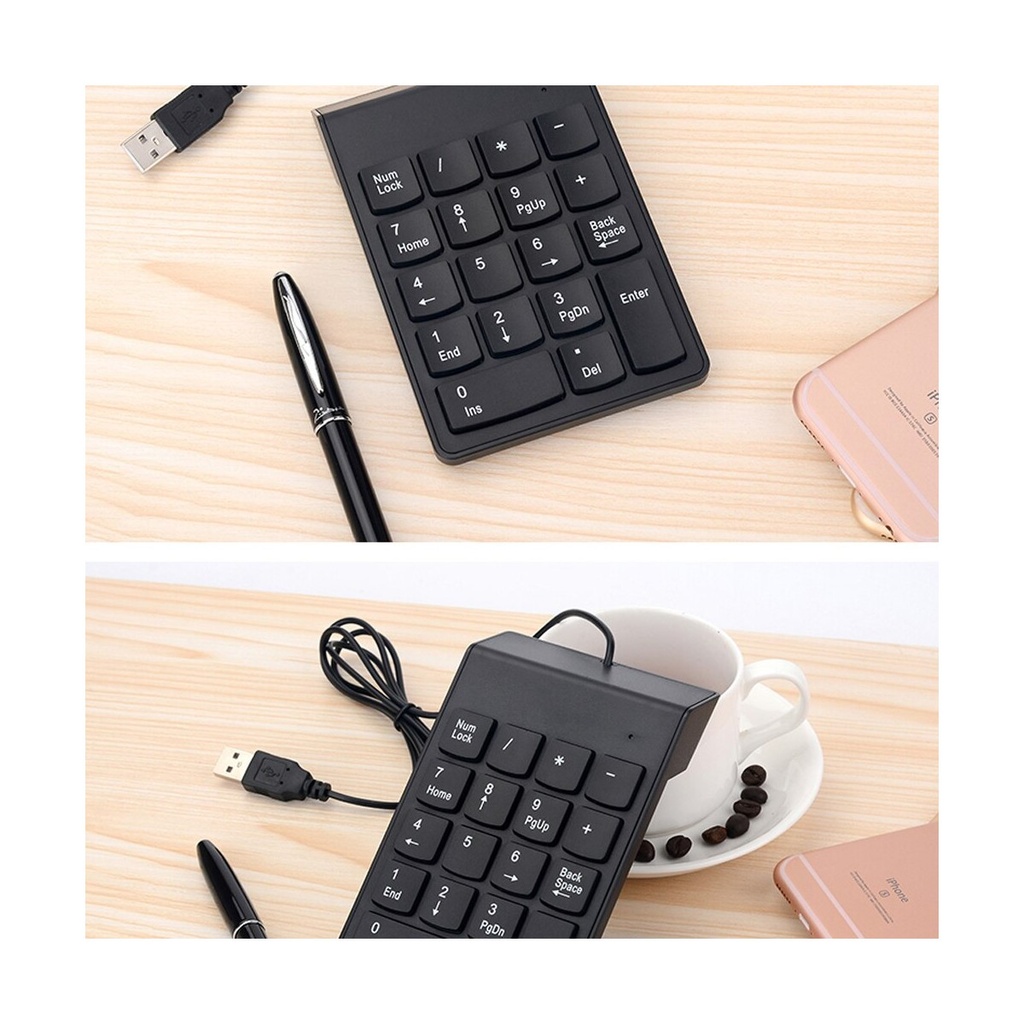
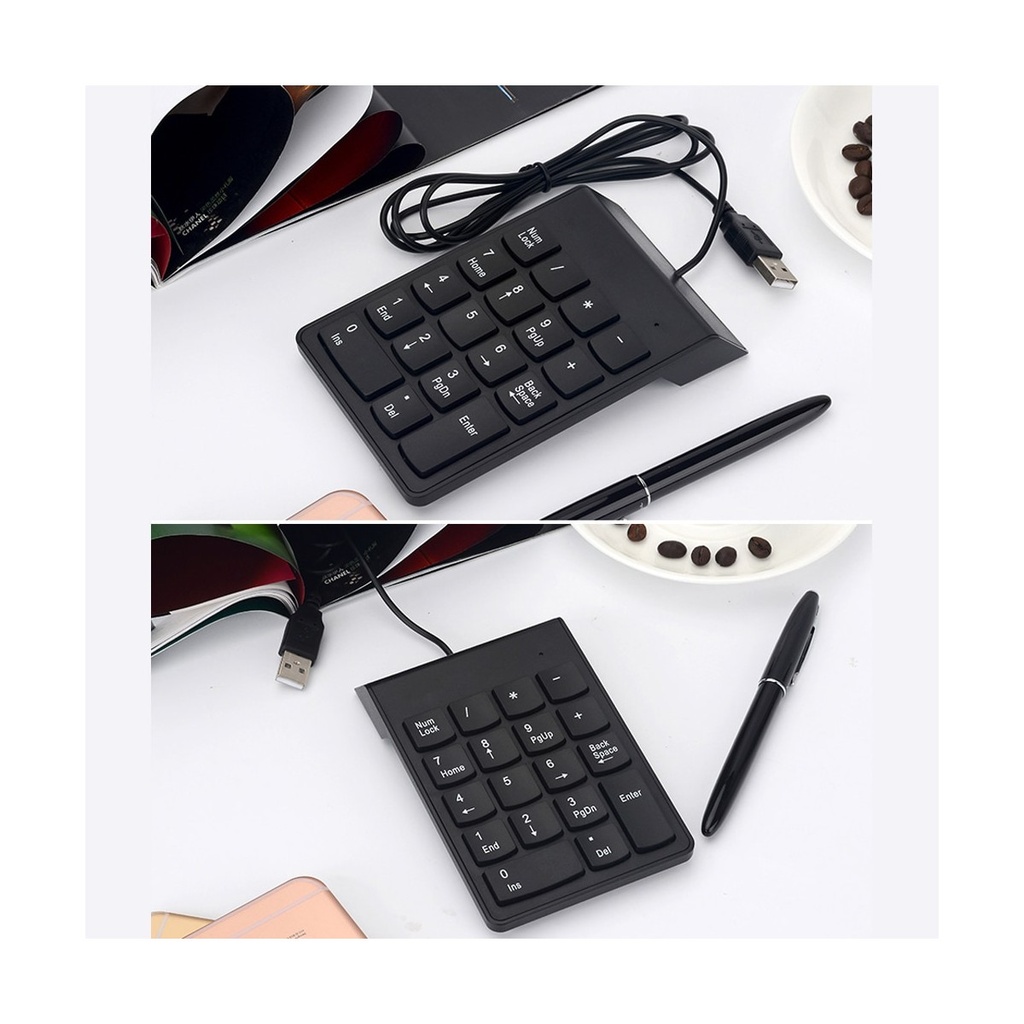
Product Overview
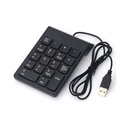
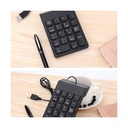
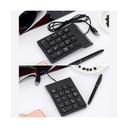
Laptops lost the number pad when they got thinner, and anyone who works with figures notices it immediately. This is that section put back, as a separate block you connect over USB and place wherever it suits you — to the right of the laptop, to the left if you are left-handed, or tucked away when you do not need it.
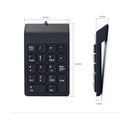
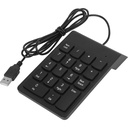
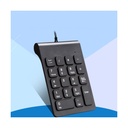
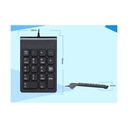
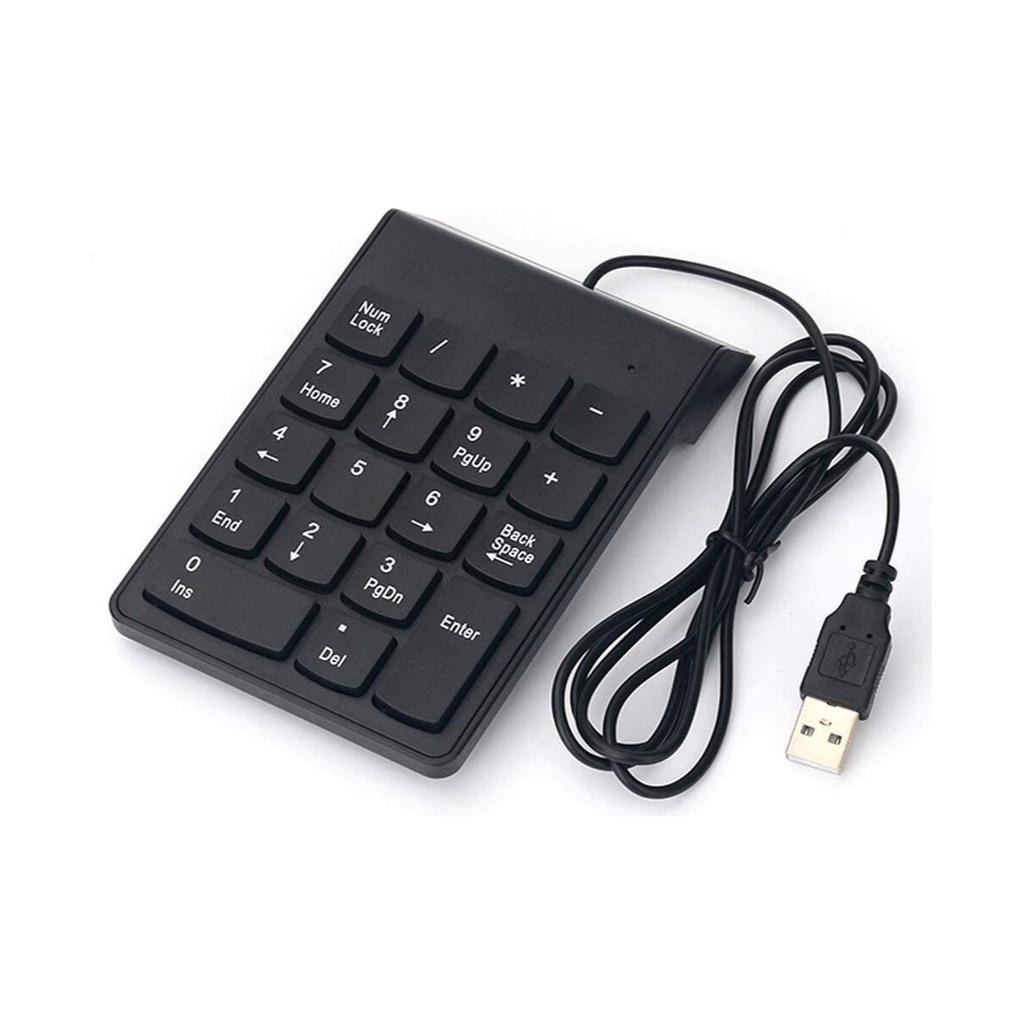
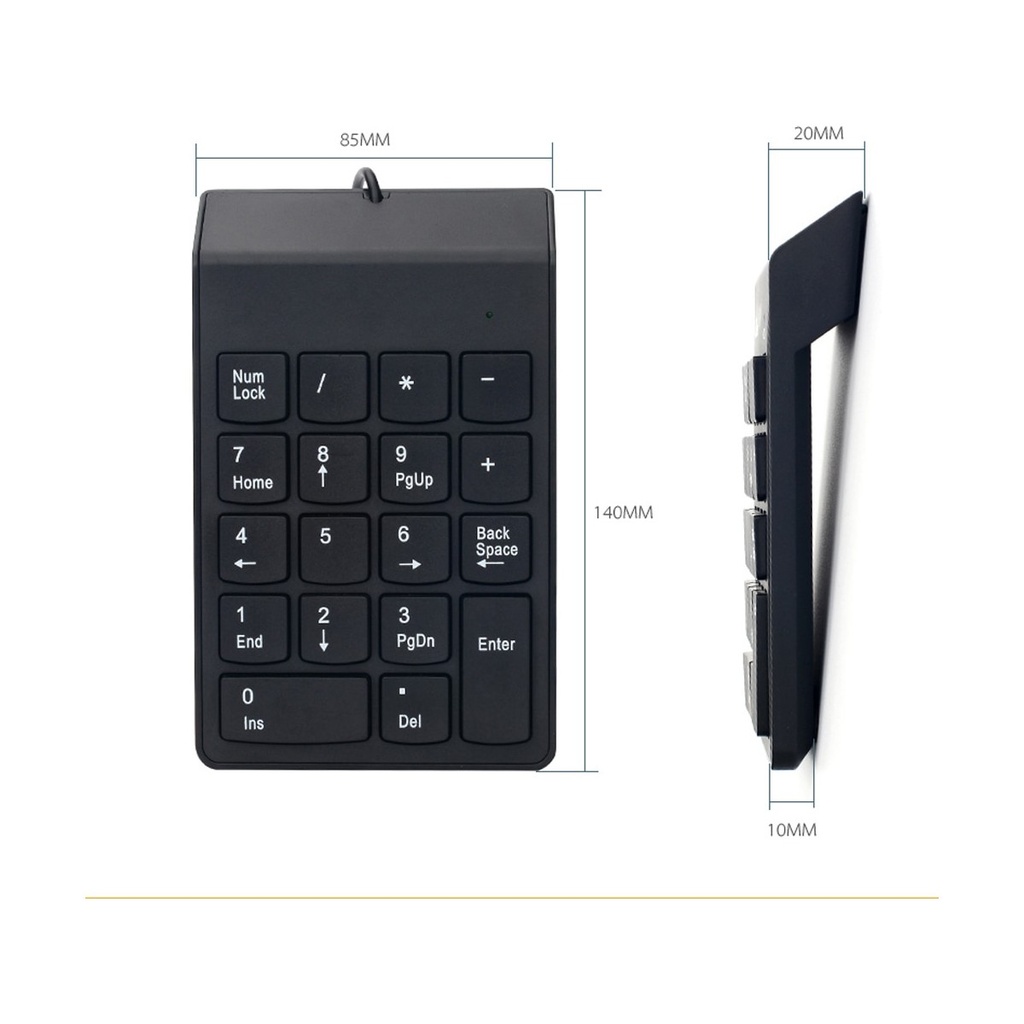
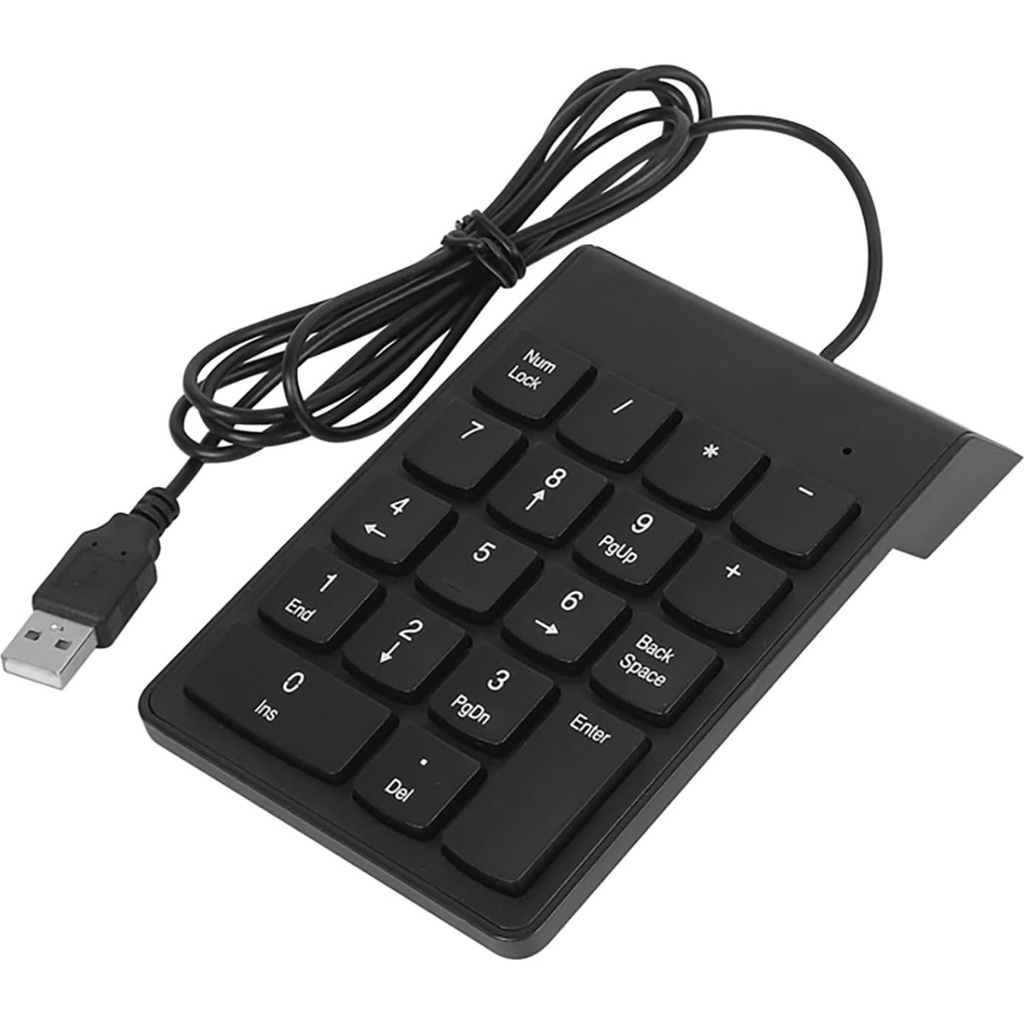
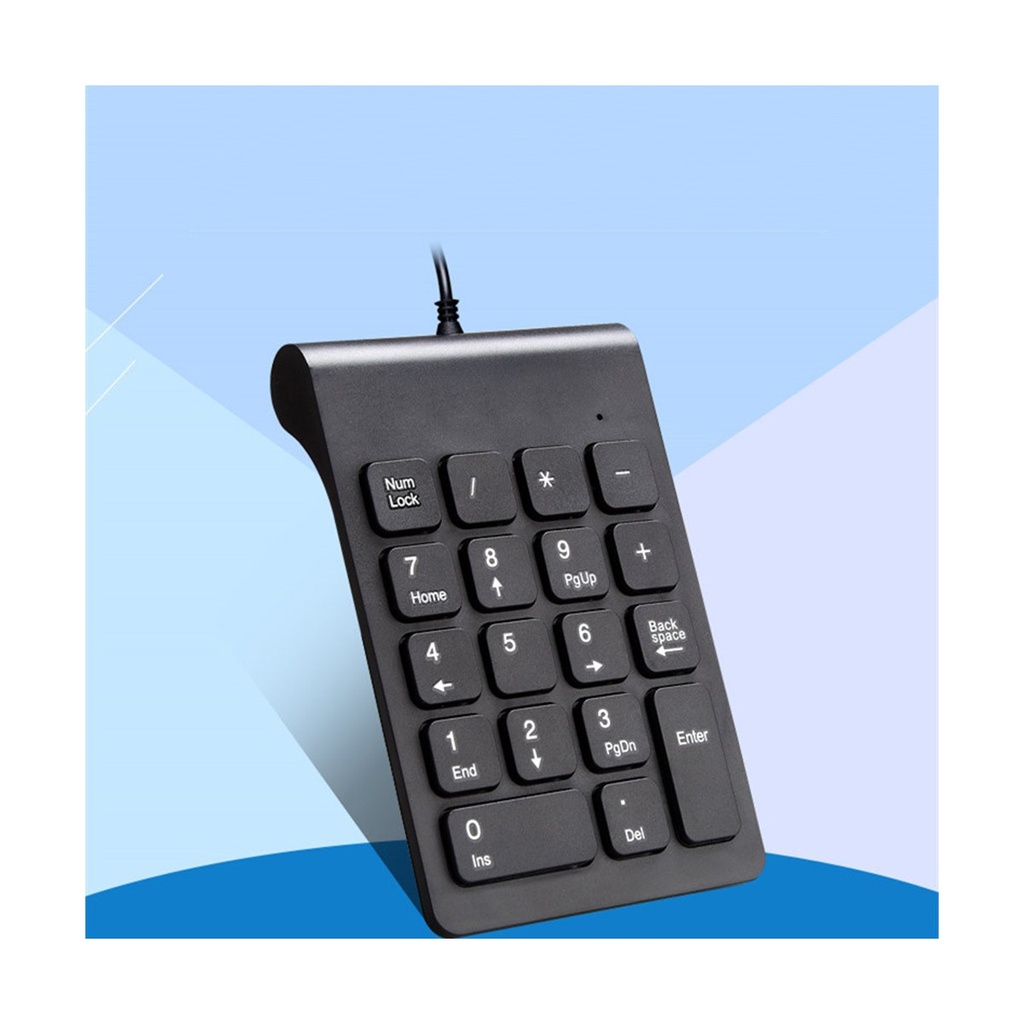
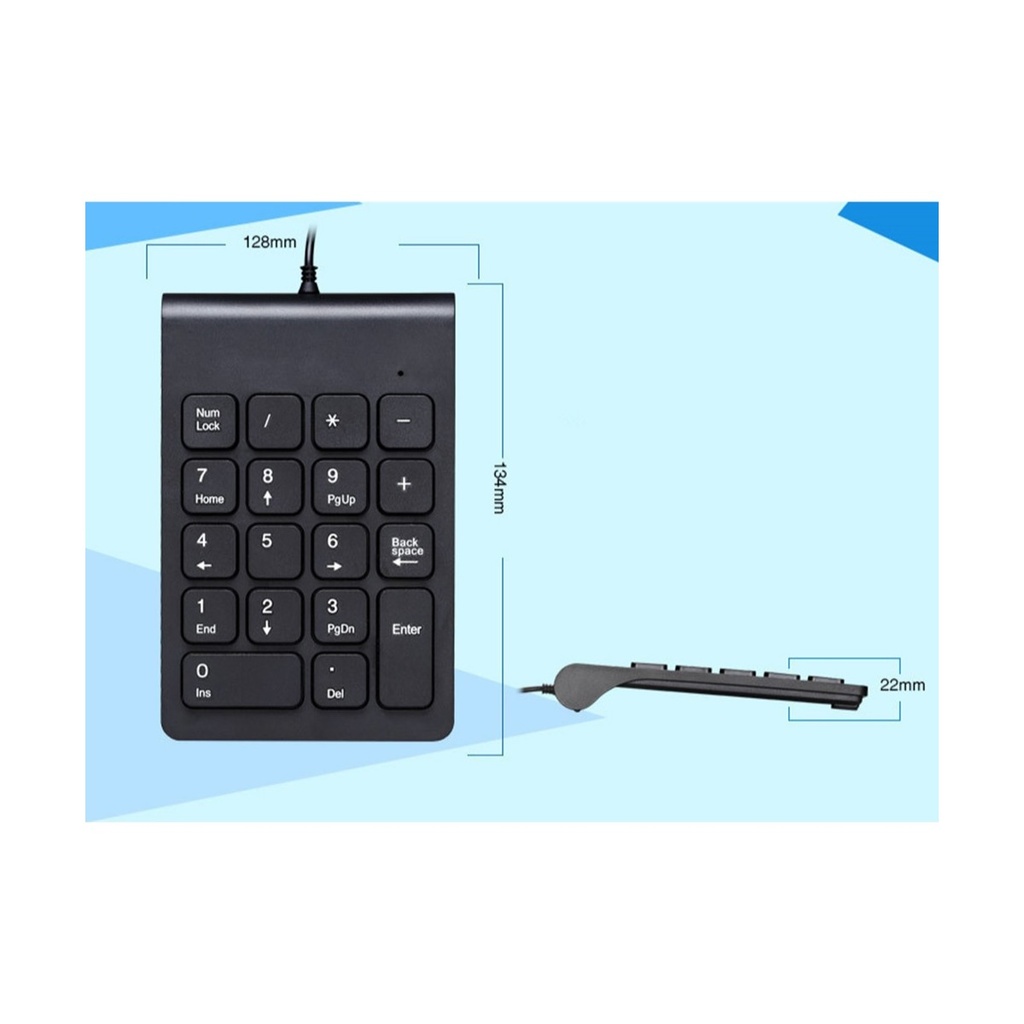
The layout is the familiar one: digits zero to nine with the decimal point, the four arithmetic keys, Num Lock and Enter. There is also a dedicated Back Space key, which many compact number pads leave out and which saves reaching back to the main keyboard every time you mistype a figure. With Num Lock off, the keys do their second jobs as Home, End, Page Up, Page Down, Insert, Delete and the arrows. It connects with a plain USB-A plug and needs no software, so it works the moment it is plugged in on Windows and on macOS.
Before ordering: this is a numeric keypad, not a complete keyboard — it adds the number block beside the keyboard you already use, it does not replace it. The plug is USB-A, so a laptop with only USB-C ports will need an adapter or a hub.
Technical Specifications
| Type | Wired numeric keypad (number pad) |
| Number of keys | 18 |
| Layout | 0-9, decimal point, / × − +, Num Lock, Back Space, Enter |
| Second functions | Home, End, PgUp, PgDn, arrows, Ins, Del (with Num Lock off) |
| Connection | Wired USB-A |
| Installation | Plug and play, no driver needed |
| Compatibility | Windows and macOS laptops and desktops |
| Colour | Black |